
Download the Official Event App
Make the most of your experience at the 6th mRNA‑Based Therapeutics Summit with the official event app. Build your personalized agenda, connect with attendees, schedule meetings, access speaker information, and stay up to date with live event announcements.
Why Download the App?
View The Agenda & Create A Personalised Agenda
You can view the agenda by clicking on the 'Agenda' tab in the menu. To personalize your own agenda and receive notifications for your upcoming sessions, go to the agenda and click the icon on the right-hand side of the session. You can then view your personal version in the 'My Schedule' tab found in the 'Agenda'.
Exchanging Business Cards
The app is an easy way to quickly exchange virtual business cards and centralize the connections you make! You can swap business cards physically by going to the 'Business Cards' tab on the menu and allowing your peers to scan your card. Alternatively, if you see someone from the attendee list you wish to swap details with, you can send them a request by clicking 'Exchange Business Cards'. A request will be sent and information will only be shared once both attendees swap their details. Your pending requests can be found in the 'Business Cards' tab.
Interact With Our Partners
The 'Partners' tab allows you to better get to know our 2026 Partners. Our Partners can physically be found in the Exhibition Room on the main conference days.
Get To Know the Speaker Faculty
To chat with our speakers, exchange business cards and view their position on the agenda, click the 'Meet the Speakers' tab in the menu.
Book A Meeting With Your Peers
To book a physical or virtual meeting with your fellow attendees, find the ‘Meeting Booking’ tab in the menu. Begin by searching for the attendee you wish to meet with, and where you would like to meet. You can then select when you would like to meet them and even personalize your own message. Once you are ready to invite the attendee, click ‘Send Invitation’; this invitation will start pending in the ‘My Meetings’ section of this tab until the other attendee has accepted your request.
Featured Sections
Manage Your Profile
When you first enter the app, your profile will have been created using the information we have. If this is incorrect or you wish to add information, head to the top right-hand corner of the page and click on the profile icon. Click 'My Profile' and amend as necessary.
Top Tip: The more information and social media links you add, the better your 'Business Card' and networking experience. Make sure to add a profile picture, too!
Ask A General Question & Find Help
Our onsite team is available to help throughout the conference. If you are in a session and require assistance, you can contact us directly via the app; go to the 'Help Desk' tab in the menu and click 'Chat' at the top of the Help Desk to ask us a question. If your question is urgent, please find a member of our team at the Registration Desk located next to the foyer.
Change Your Privacy Settings
Your privacy settings are located in 'My Profile'; ensure your preferences are set correctly prior to sharing your 'Business Cards' and interacting with other attendees.
Ready to Get Started?
Download the official event app today and start planning your personalized summit experience.
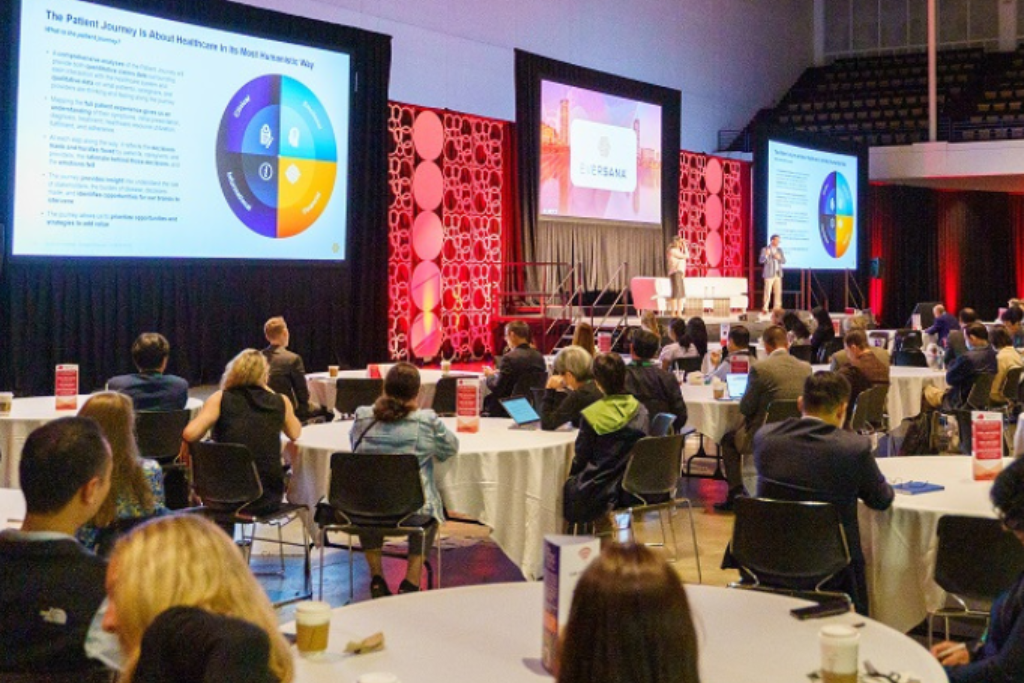
Explore the Agenda
Hear the latest industry breakthroughs and gain exclusive insights on the mRNA innovations during our packed agenda, interactive roundtables, and new CEOs & investor panel discussions.
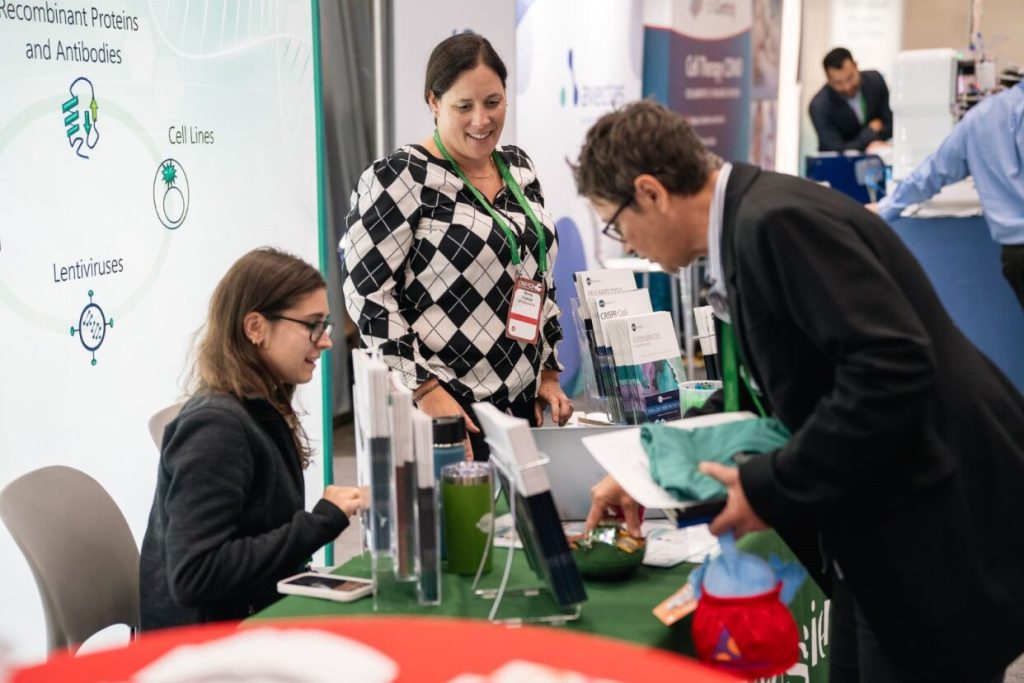
Partner With Us
Position yourself alongside other leading solution providers to ensure your brand is at the heart of mRNA biopharma deals.

Join Biopharma Experts
Be part of the hottest conversations with like-minded attendees spanning all stages of drug development and make critical connections during our dedicated networking sessions.